Useful controls
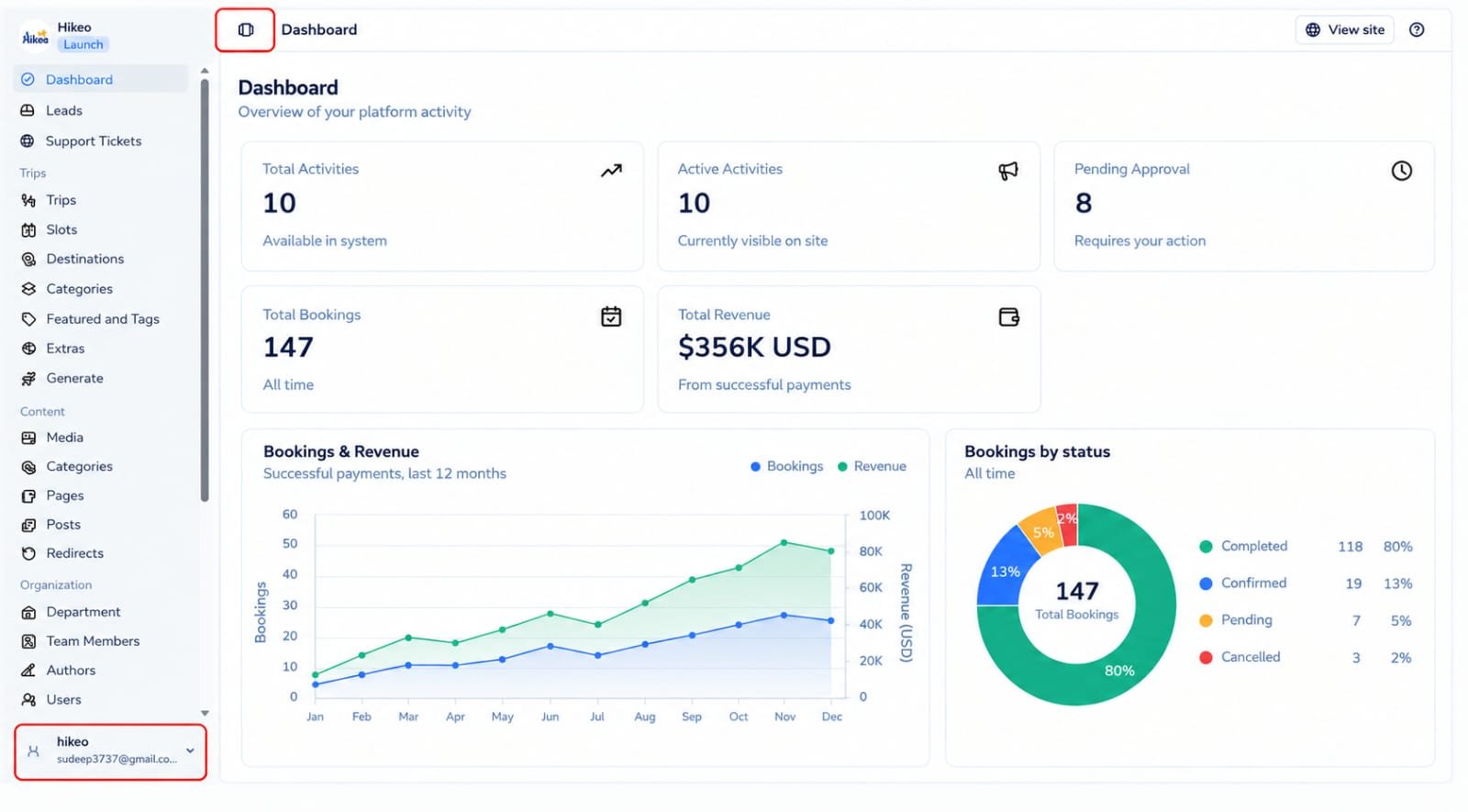
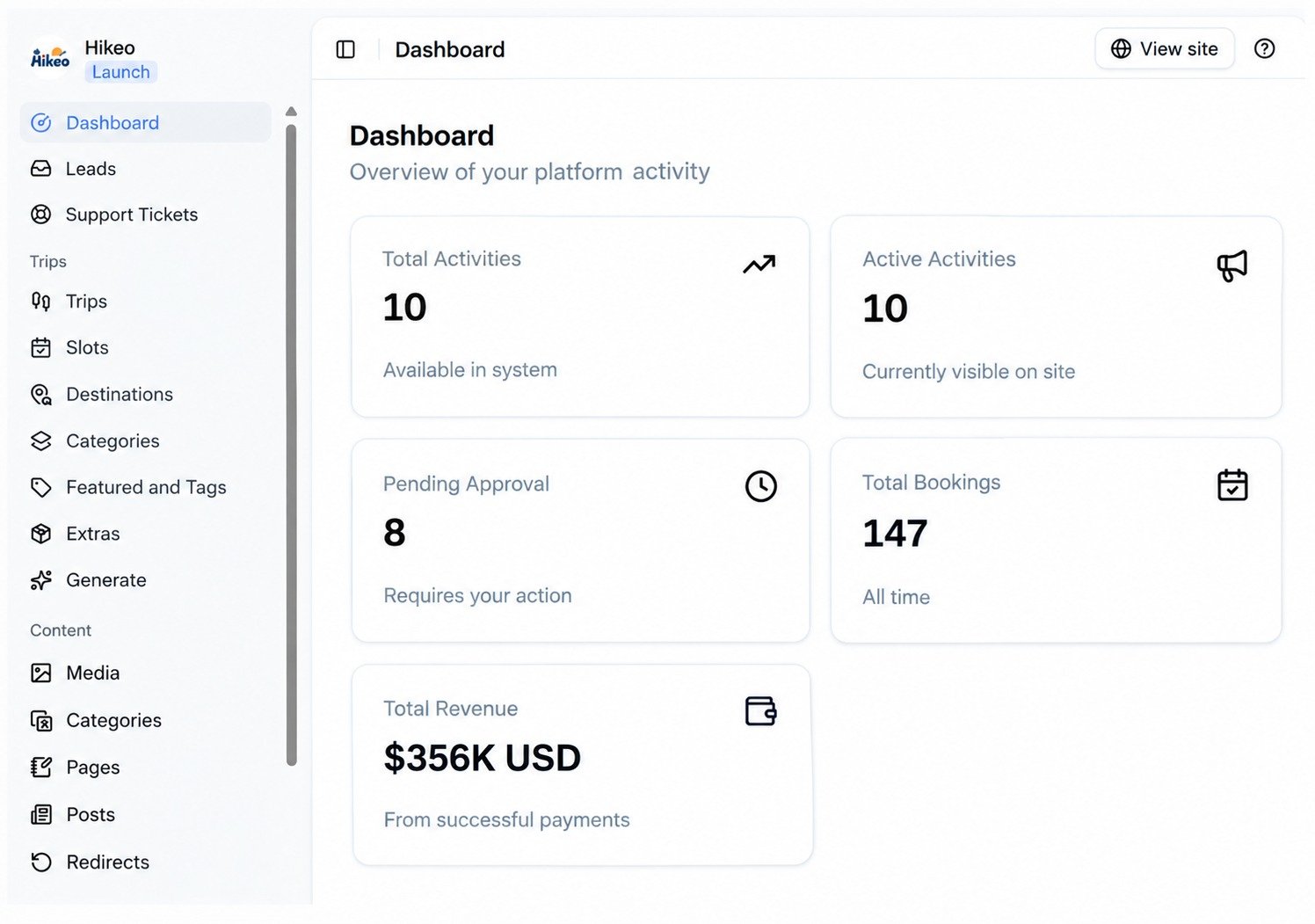
- Select the agency name or logo to return to Dashboard.
- Use the sidebar toggle to gain workspace on smaller screens.
- Open the profile menu at the bottom of the sidebar for Plans, Account, Billing, API Key (when available) and Log out.
- The first visit to a major section may show a short tour. Select Got it to dismiss it.
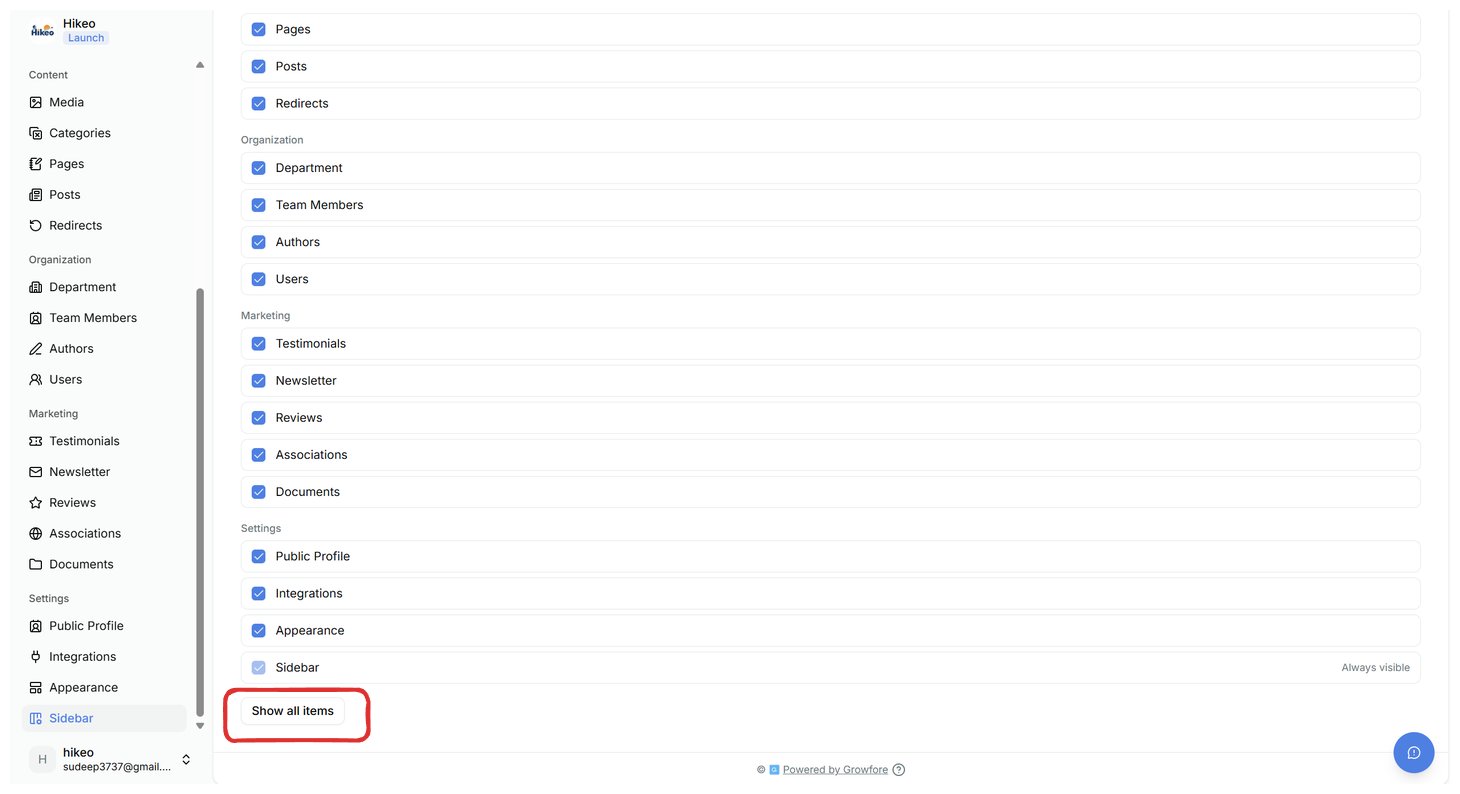
- Open Settings → Sidebar to hide unused menu items. Select Show all items to restore everything your plan and permissions allow.