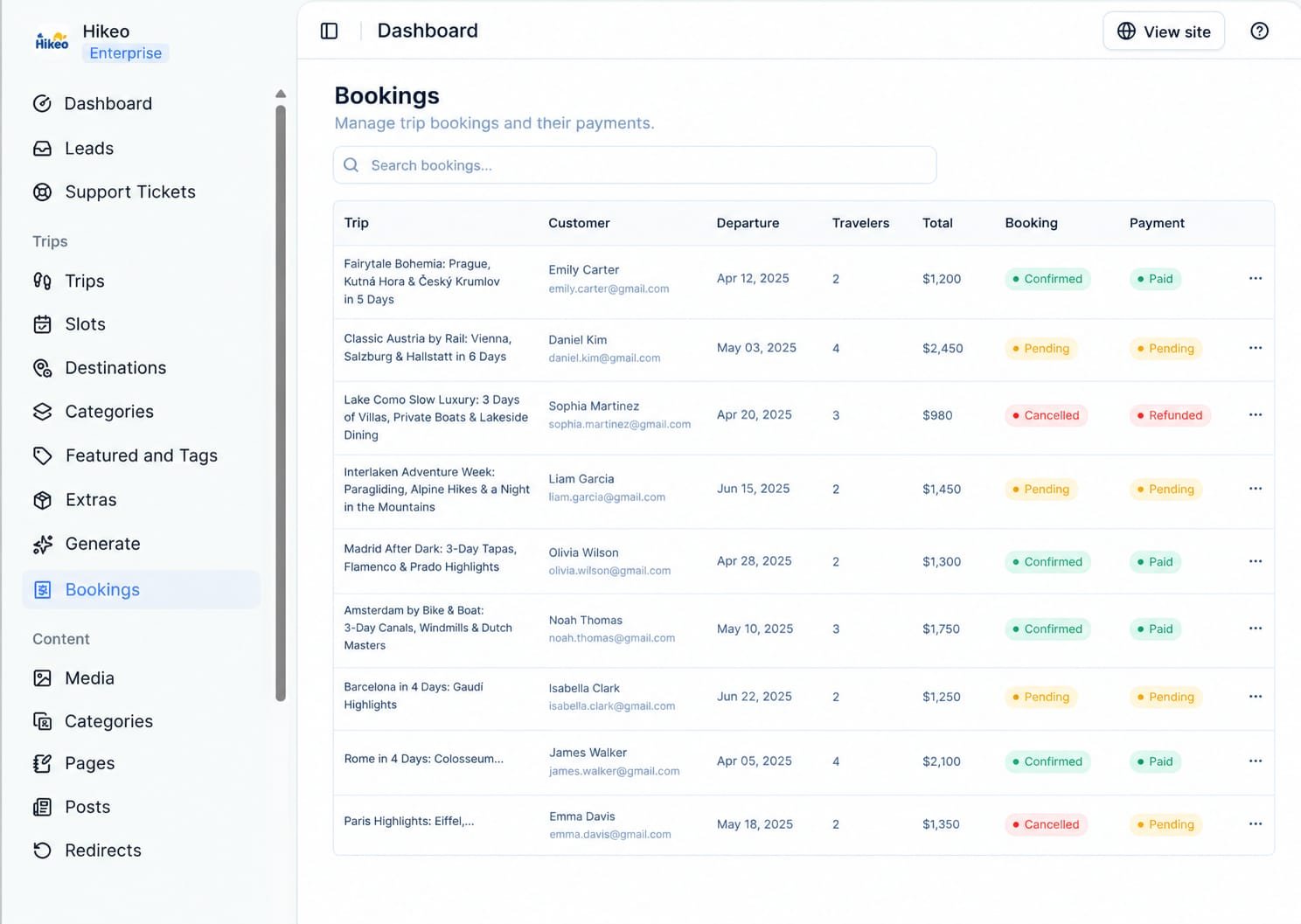
Add a departure slot
Slots require the Launch plan or higher.- Open Trips → Slots.
- Select Add Slot.
- Choose a trip.
- Enter start date, number of days, group price per person and capacity.
- Select Create.
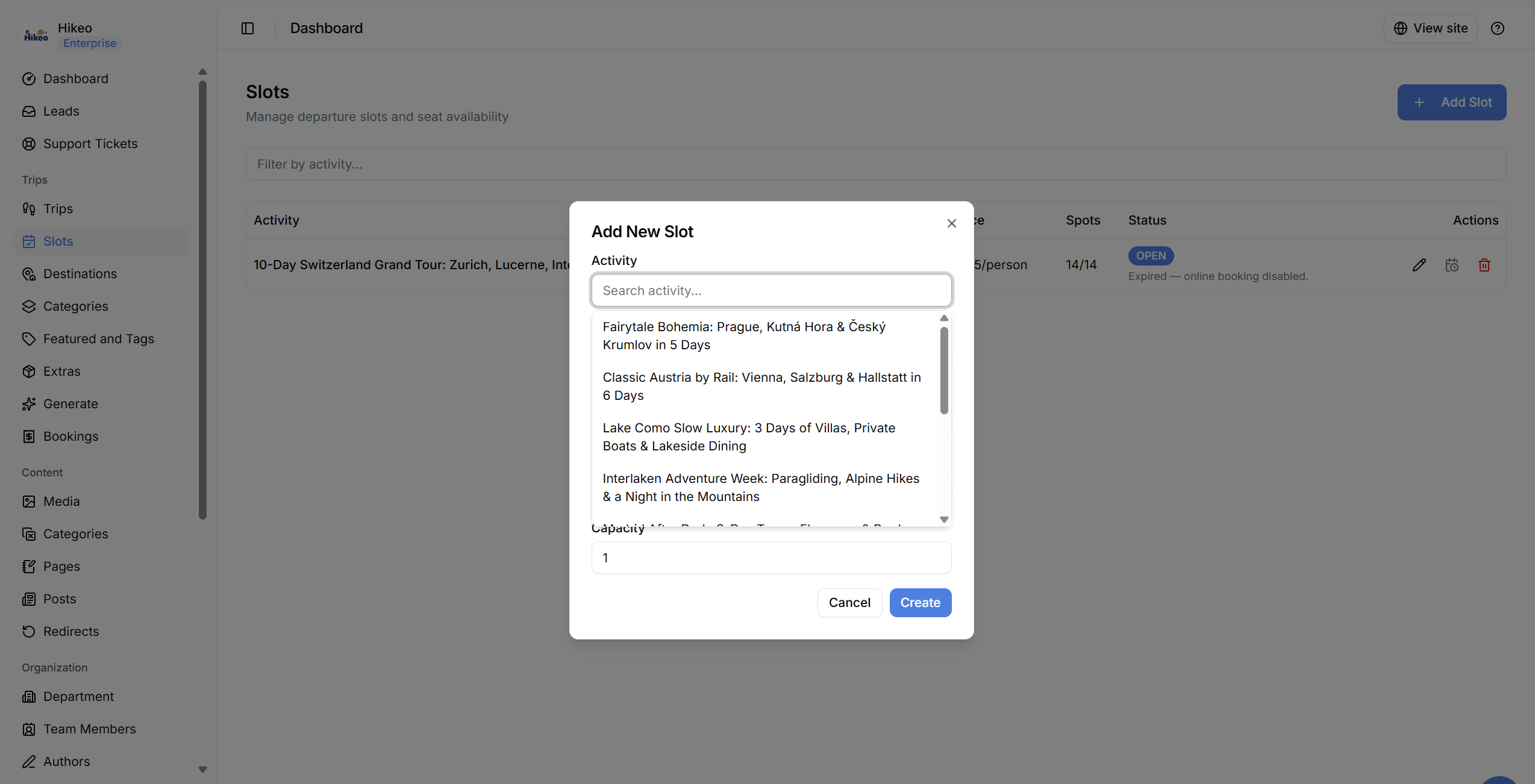
Manage bookings
Open Trips → Bookings to review trip, customer, departure, traveler count, total, booking status and payment status. Search to find a booking. When a confirmed trip has been delivered, select Complete.