

- Click the Explore (trips) to expand which will reveal input fields
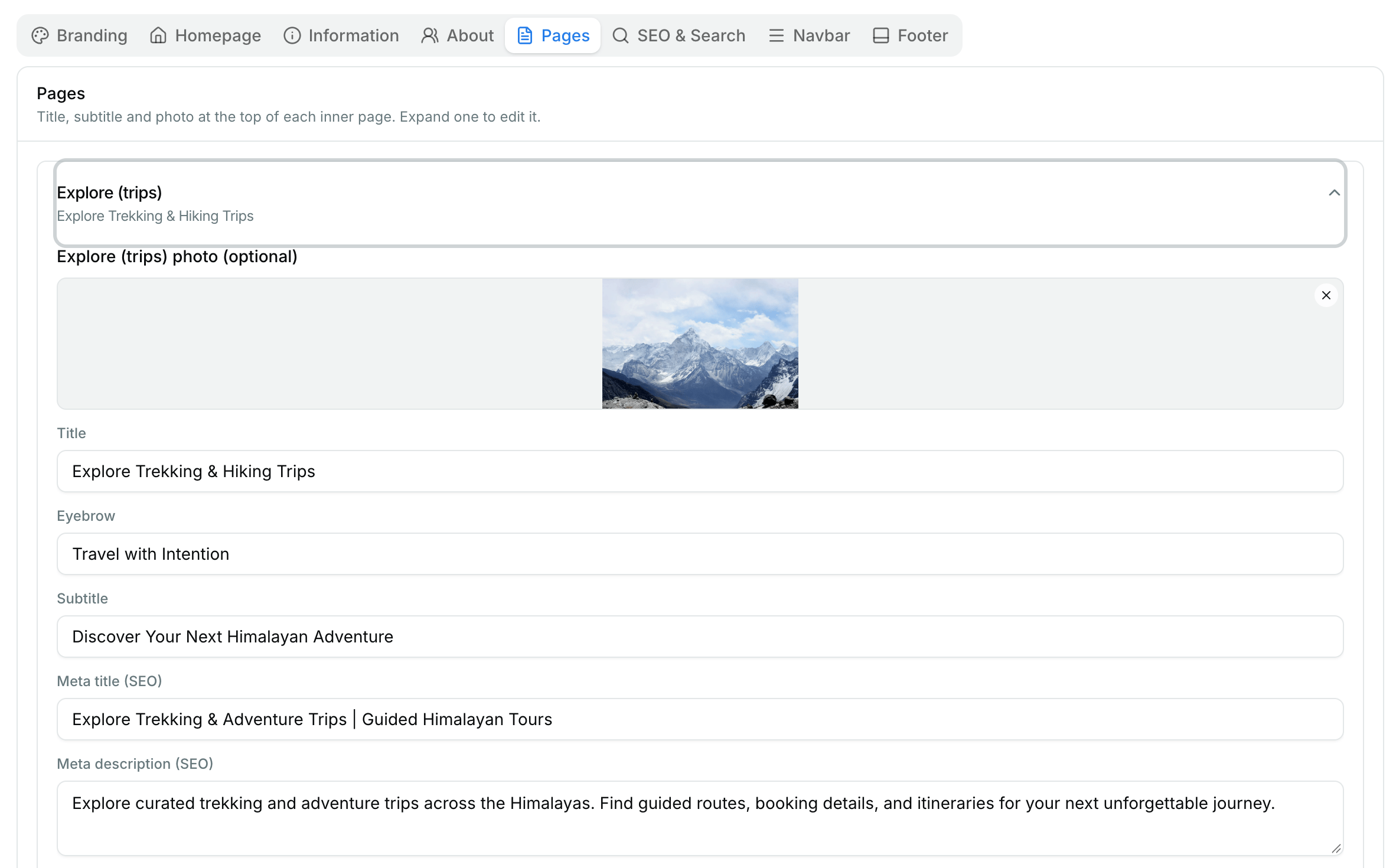
- Fill content like choose the image you want to feature for this page, title, eybrow is a text that appears like badge above the title and subtitle is text that appears below title. After filling those 3 fields and choosing image the website preview would look somewhat like the image below
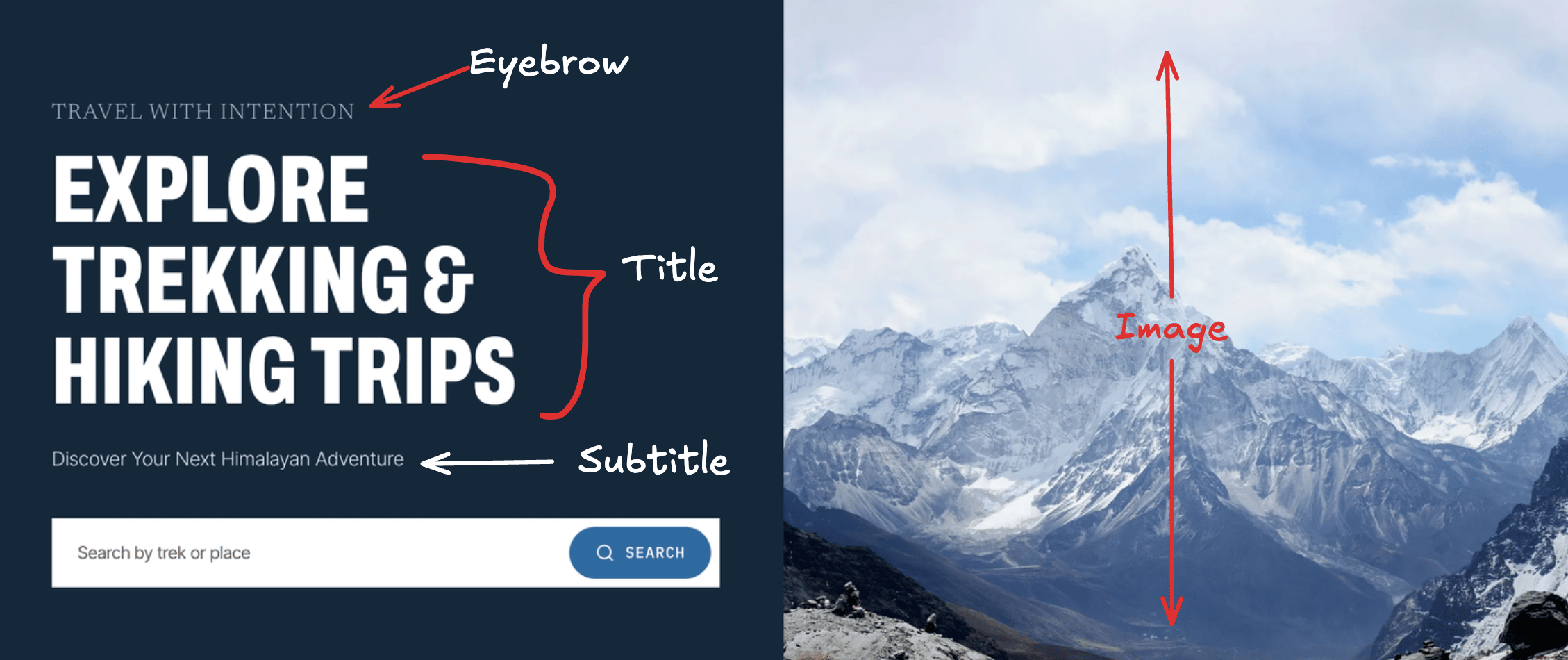
It may look different on your website based on what template you have chosen for your website or how you have designed using the API.
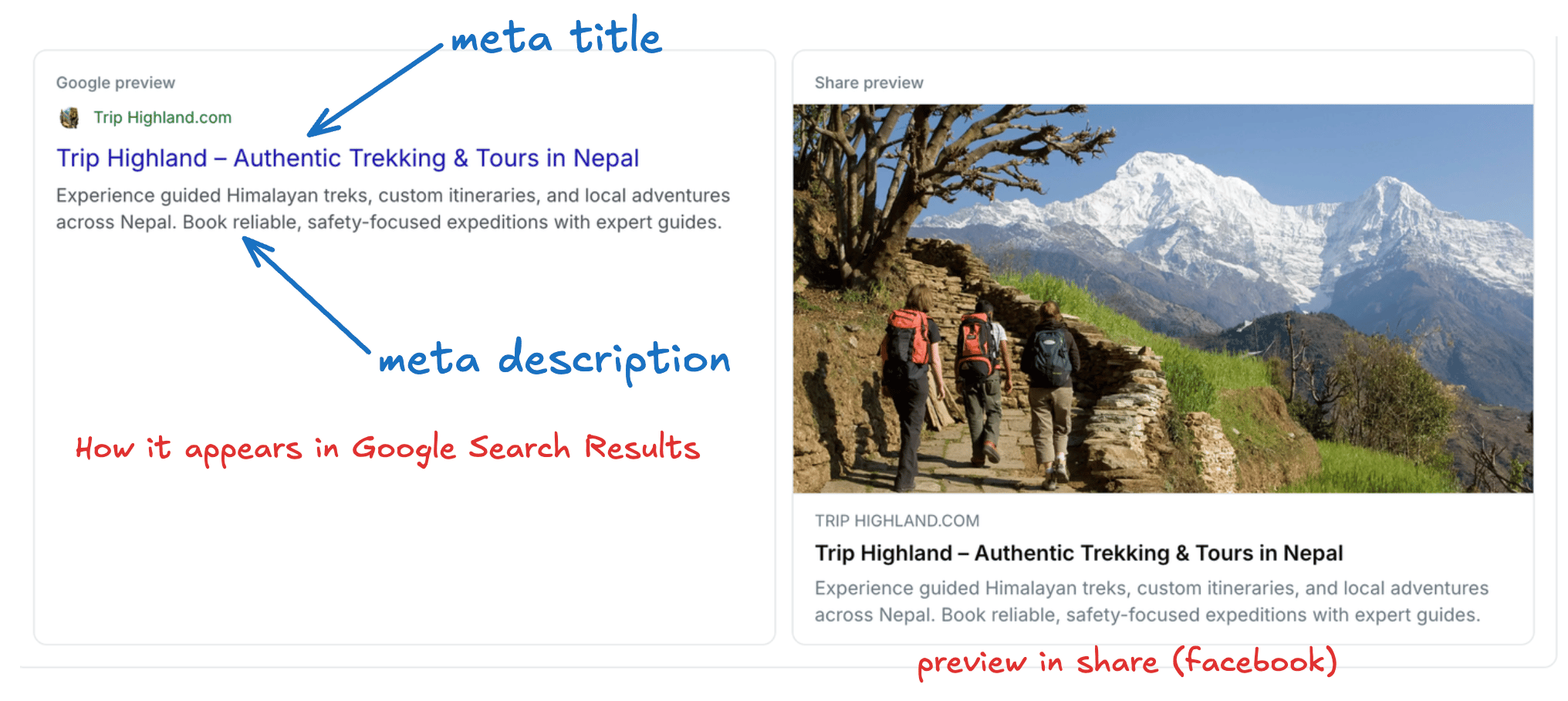
- Meta Title and Meta Description are for Search Engines like Google and Bing, which will also appear when sharing in social media or any other platforms like whatsapp or discord.
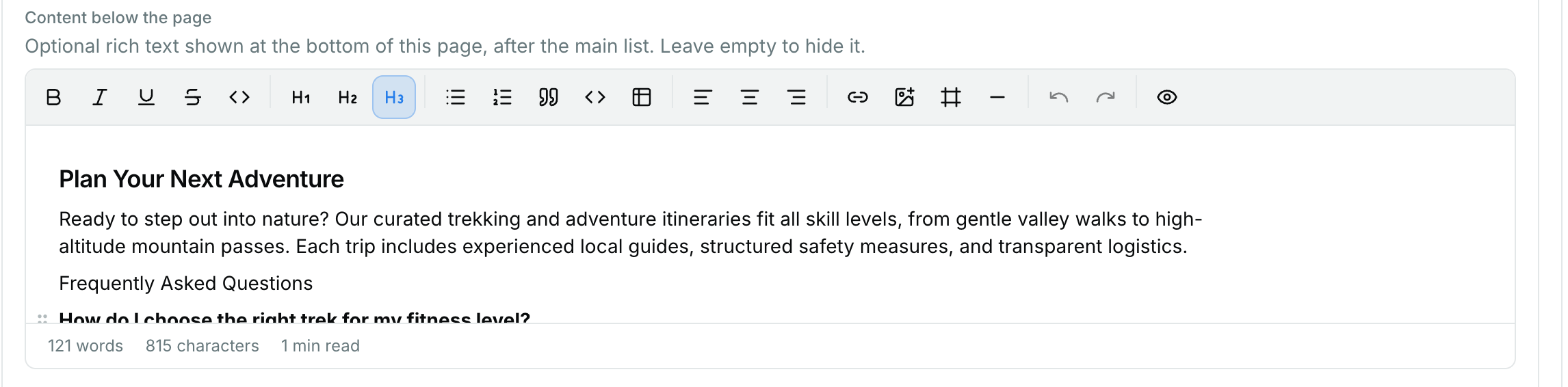
- Content below the page, this field is for any content that may be required to describe the page or add more context to help visitors which will also helps with search engine visibility.
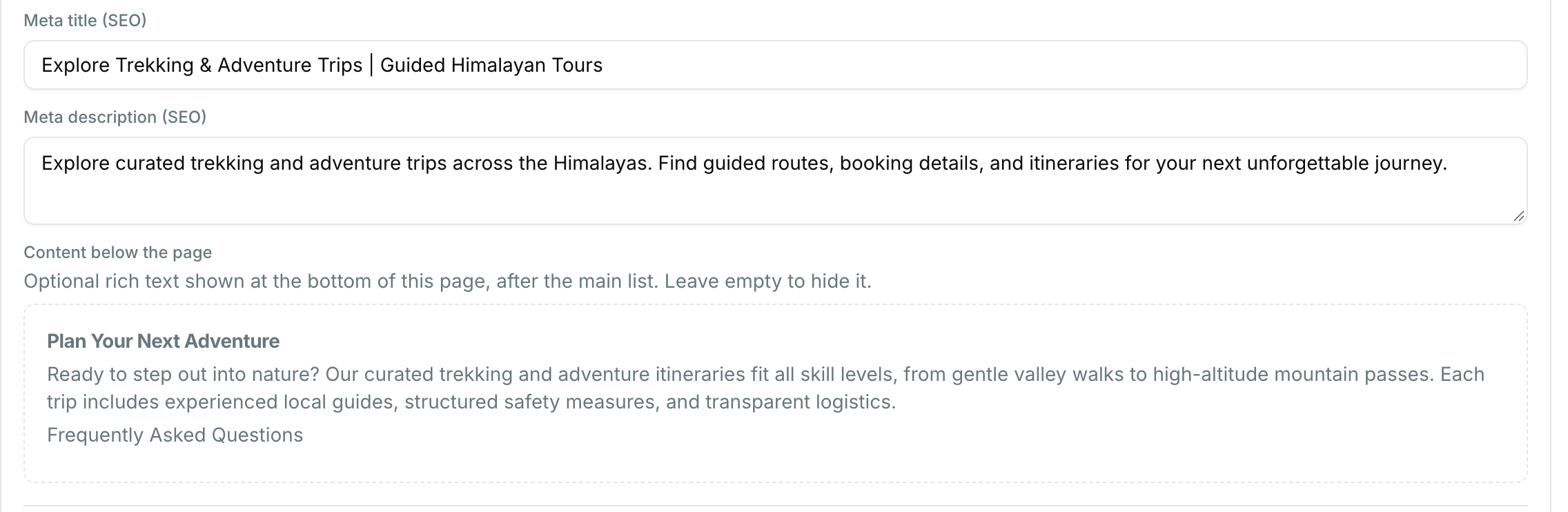
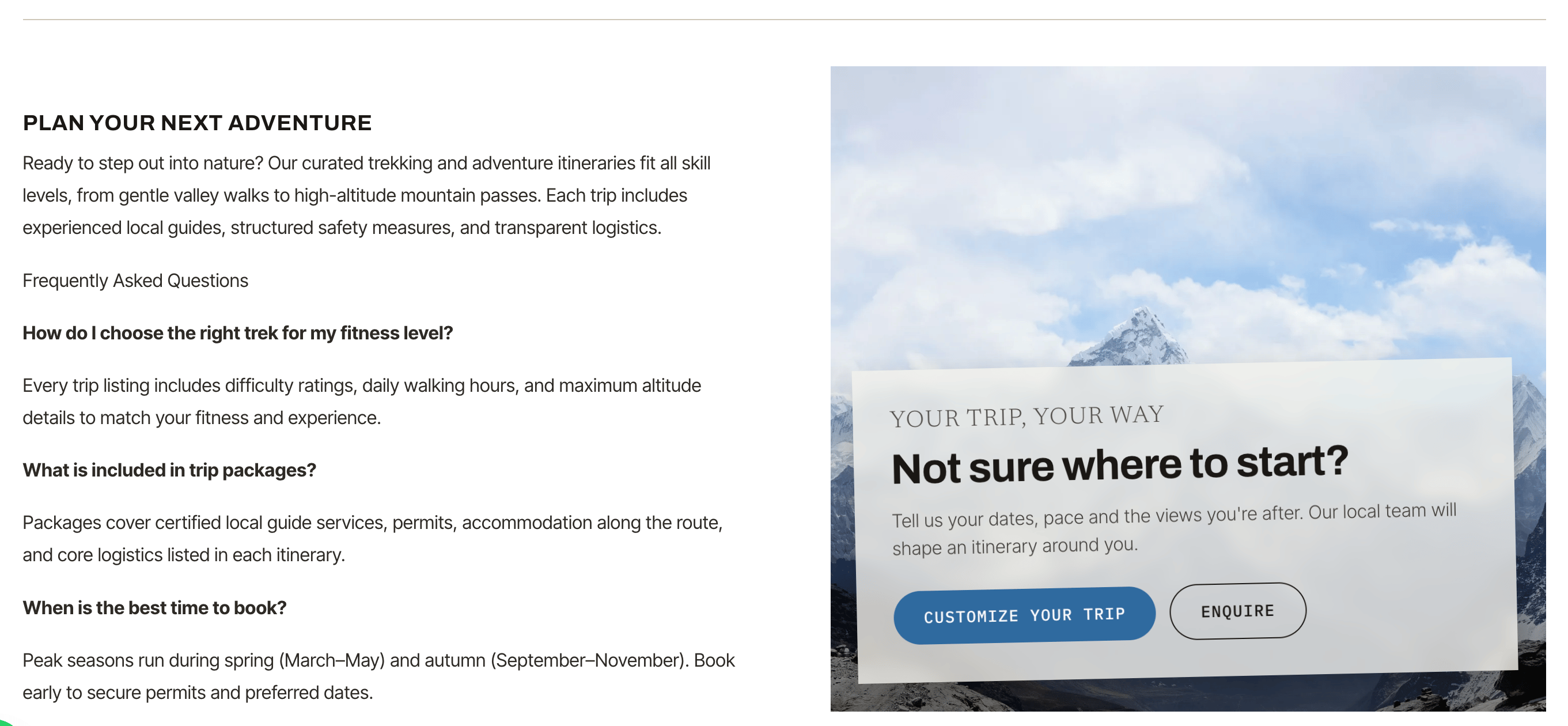
In image above the left side content is added from the dashboard, while the CTA was designed and placed manually in a custom website.