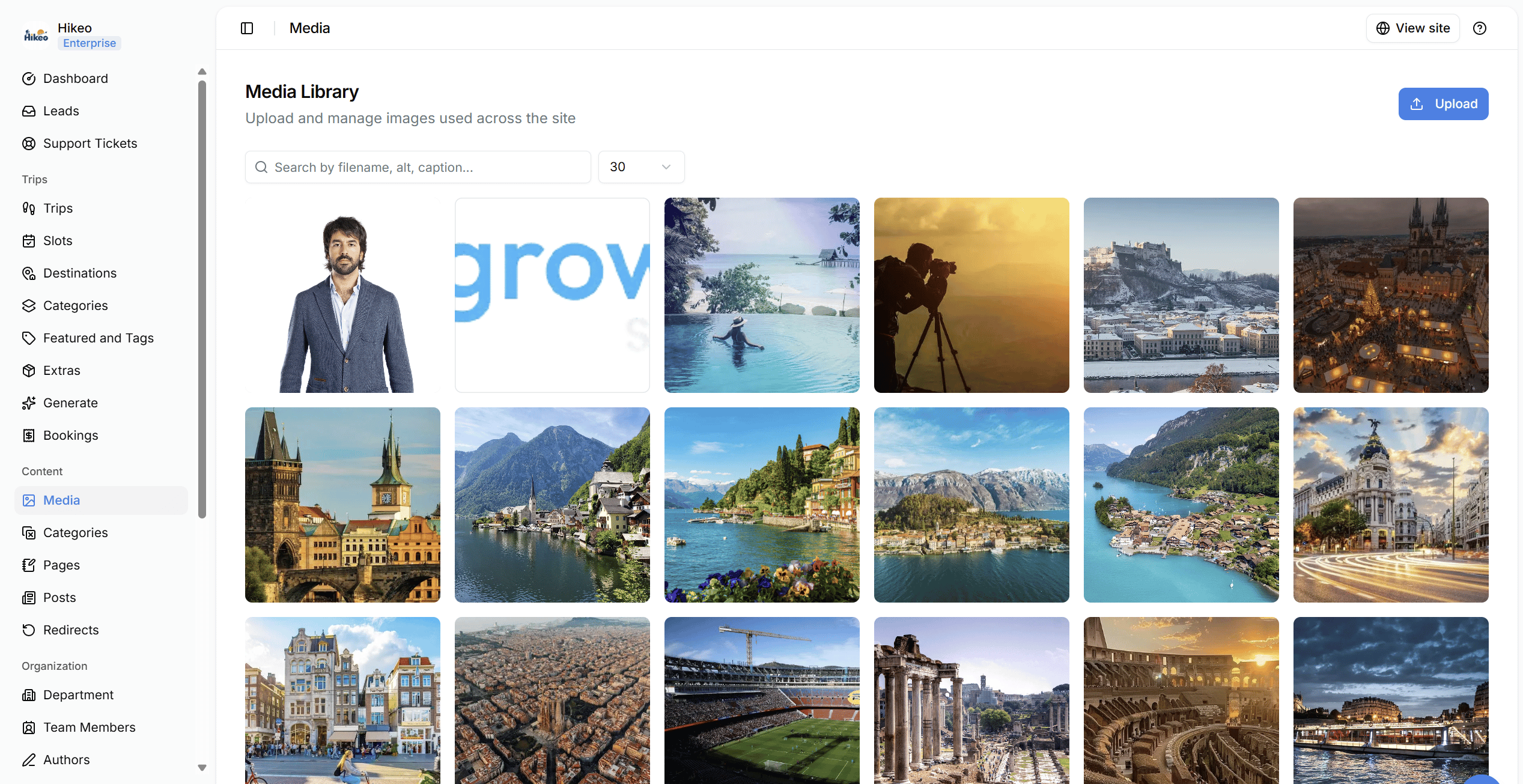
- Select Upload.
- Choose one or more image files.
- Wait for upload confirmation.
- Use search to find files by filename, alt text or caption.
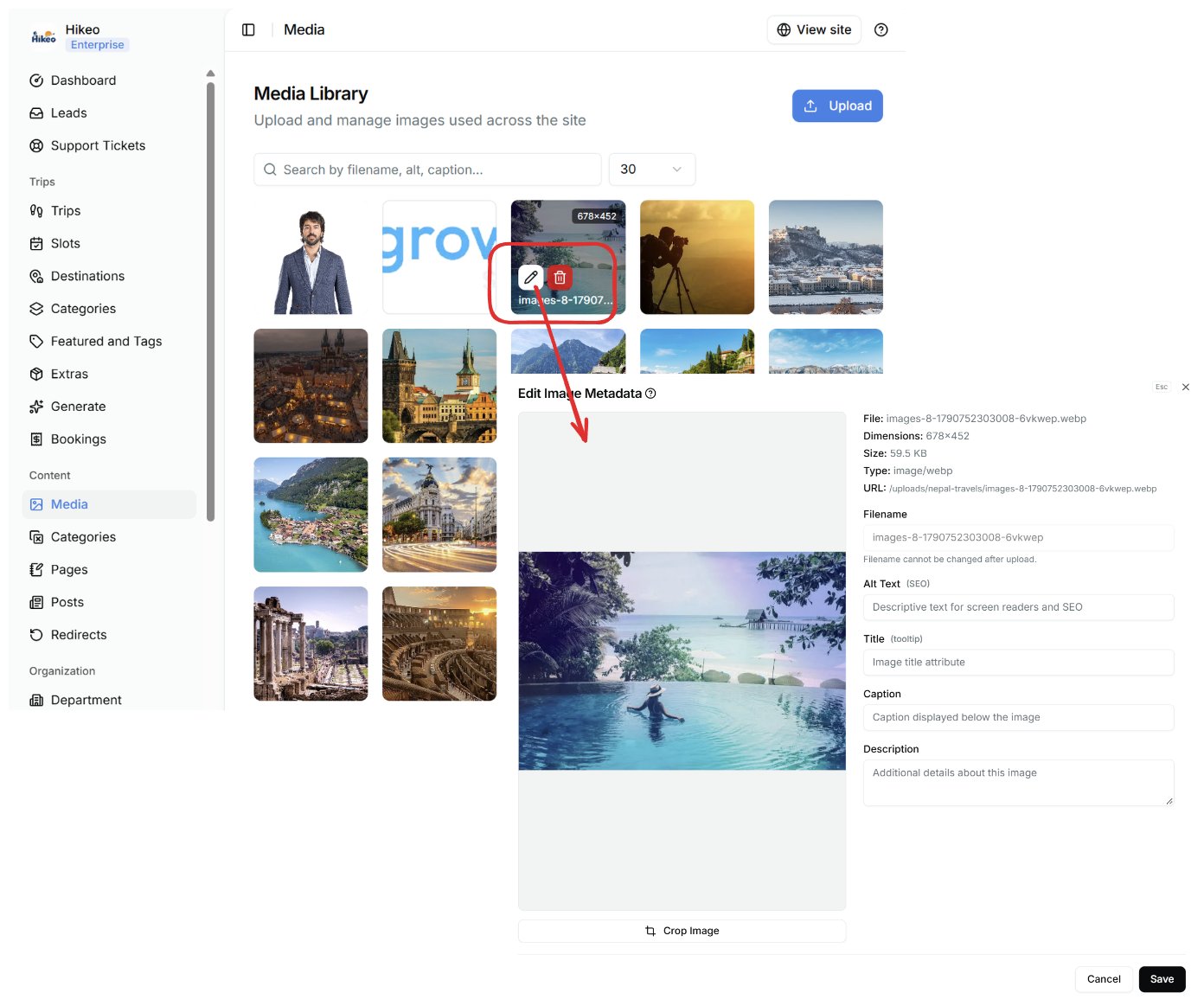
Edit image details
Open an image’s edit action and complete: Filename (internal name), Alt Text (short description for accessibility and search engines), Title (optional tooltip), Caption (shown with the image where supported) and Description (longer internal detail). Crop if needed, then save. Good alt text describes what the image shows, not its filename. Note: Deleting an image is permanent. Check that no trip, page, post, testimonial or site setting still uses it before confirming.