Testimonials
Open Marketing → Testimonials. Add author, content, a rating from 1 to 5 and media. Use the gear action to edit the homepage reviews-section heading.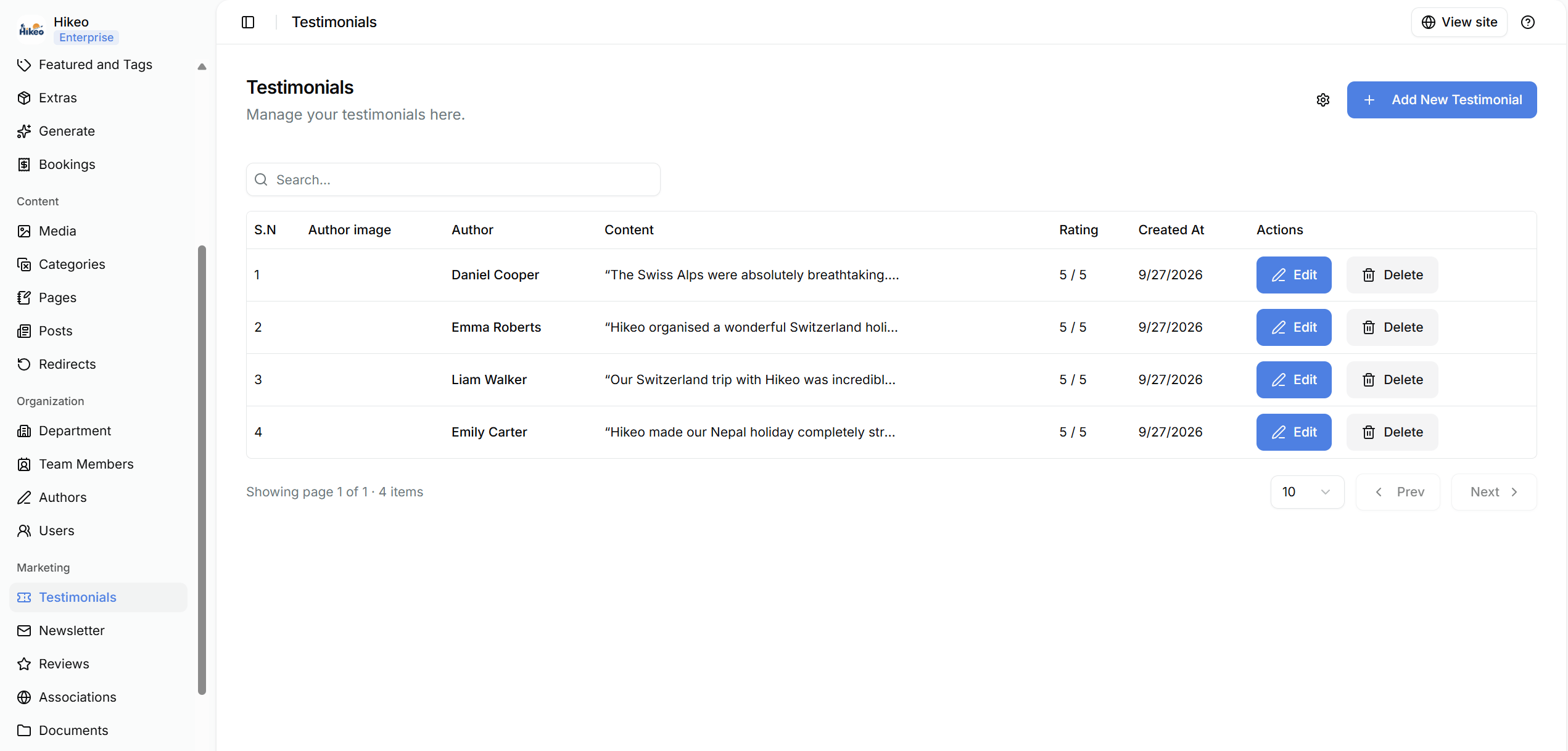
Reviews
Open Marketing → Reviews to enter Google and Tripadvisor review counts and links, the Google Maps listing URL and location. These values provide social proof on the storefront, so keep counts accurate.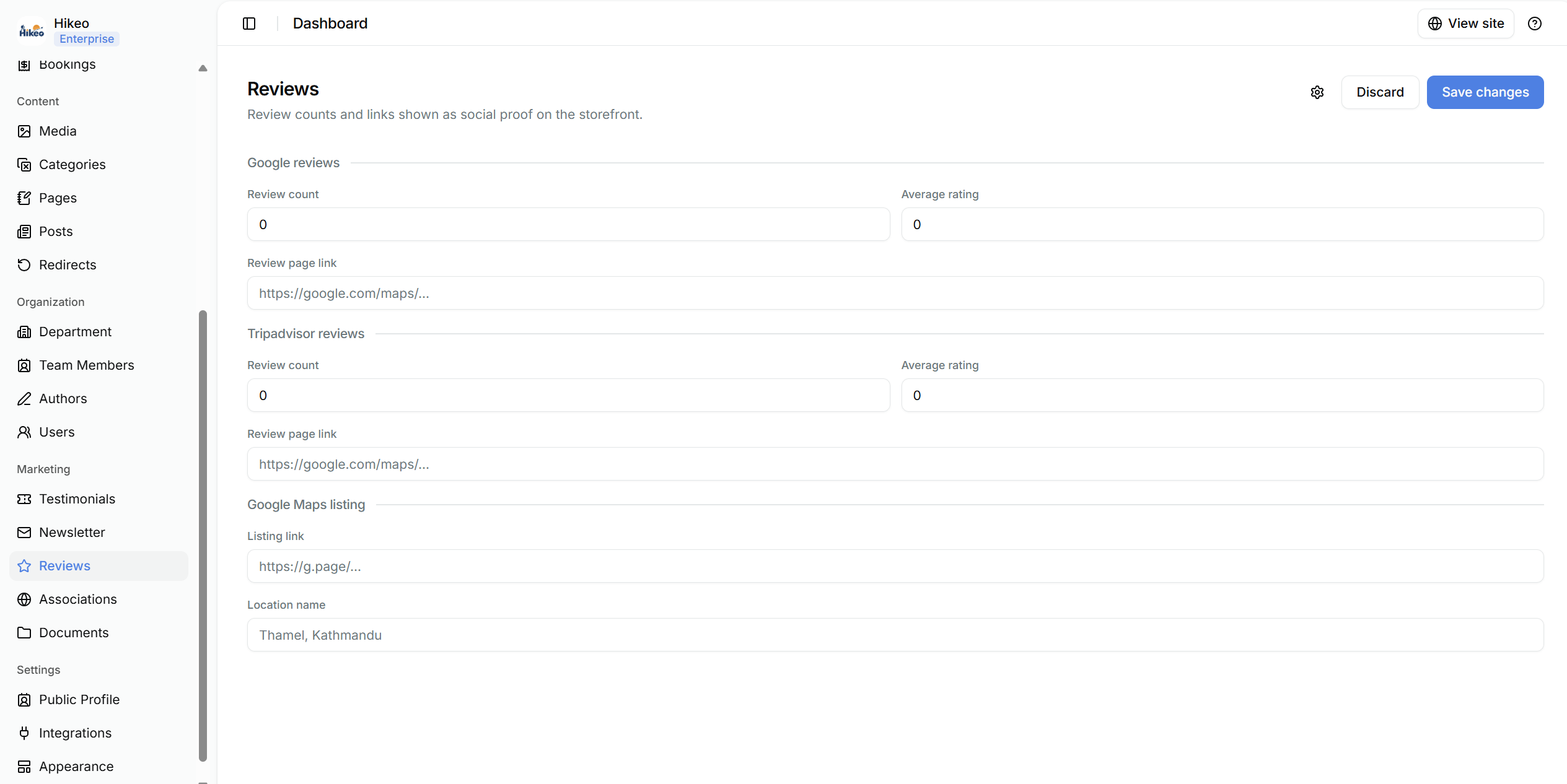
Associations
Open Marketing → Associations. Set the section heading, then add each company name and logo.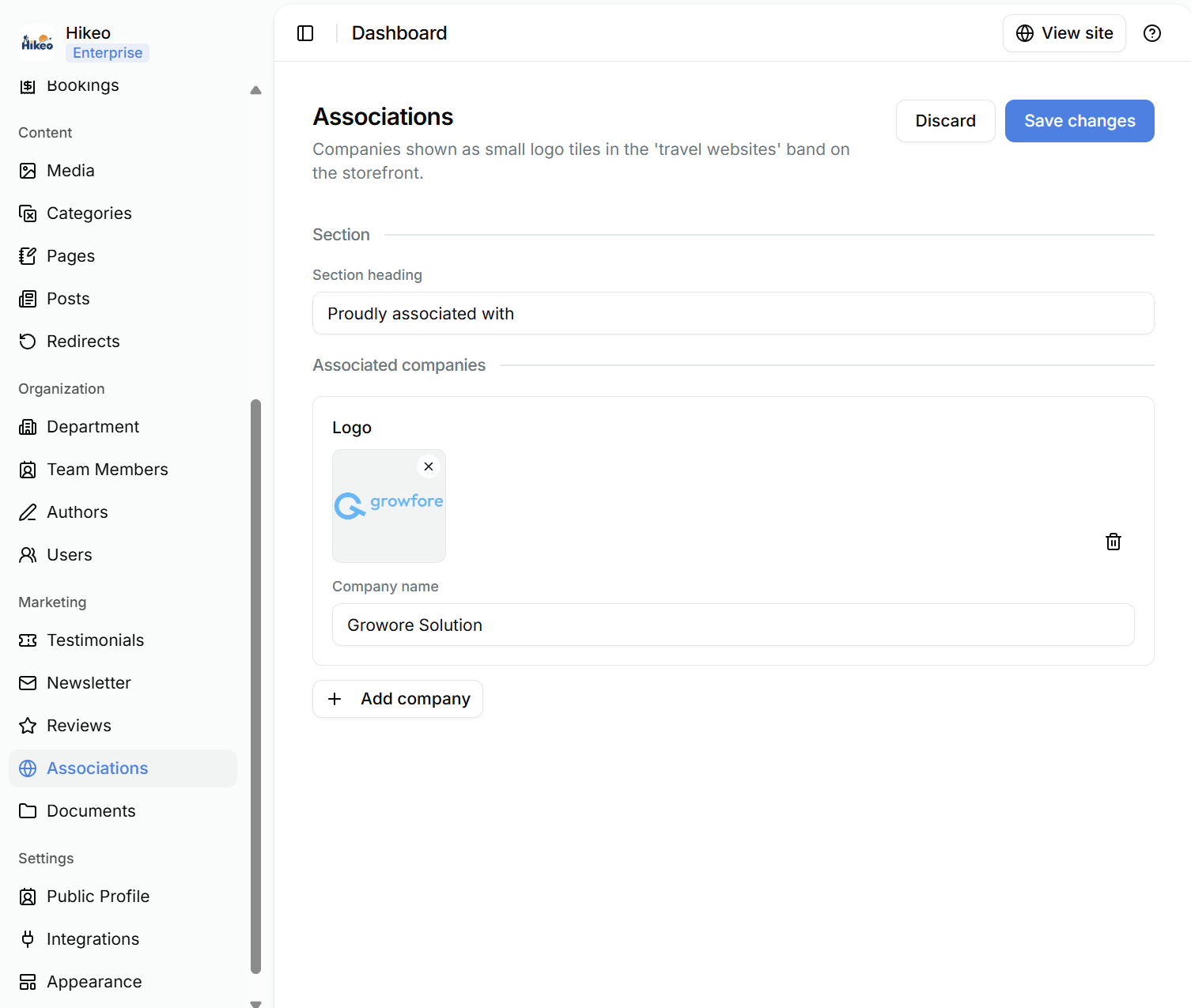
Documents
Open Marketing → Documents to add downloadable brochures or policy files. Give each document a clear title and upload a PDF. Tick Published to make it visible on the storefront.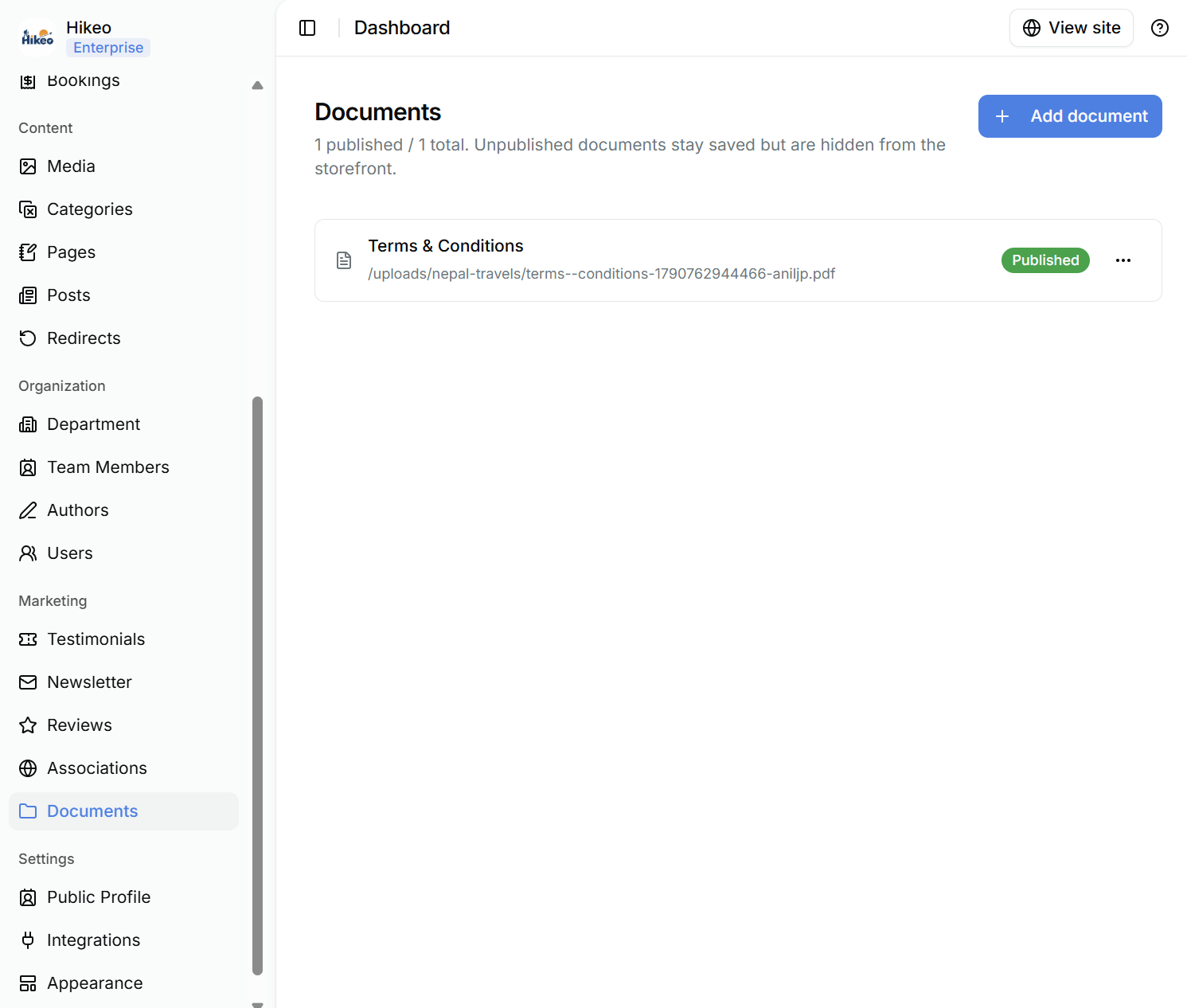
Newsletter
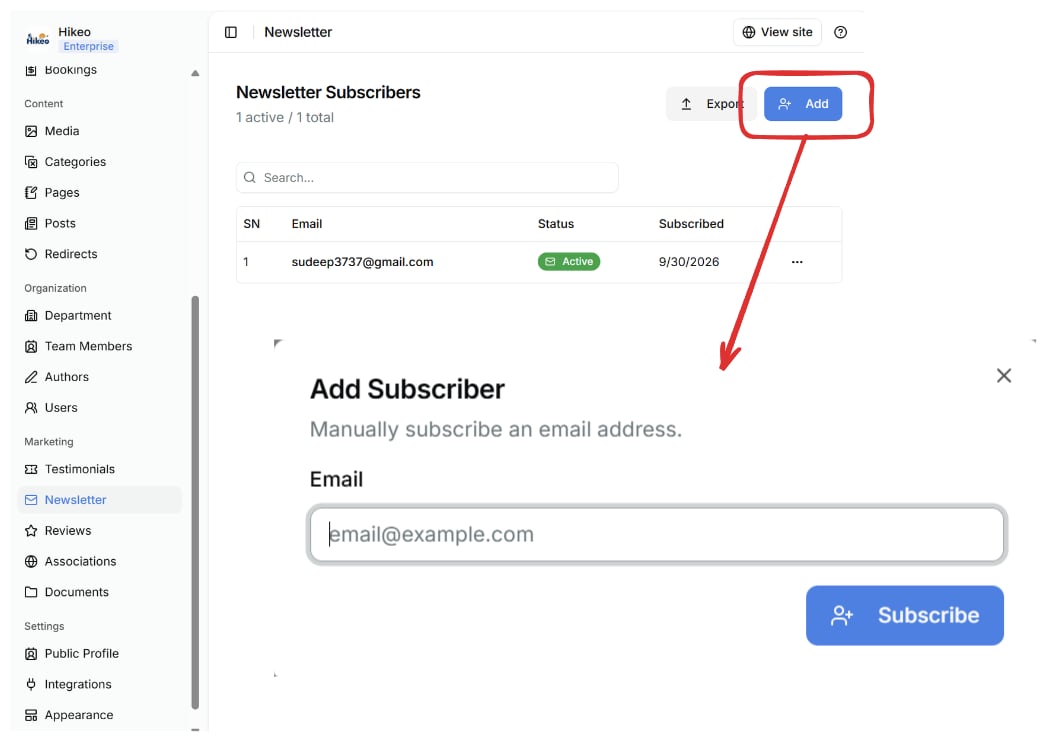
Open Marketing → Newsletter to review subscribers or add one by email. Use subscriber data only for the consented purpose and follow applicable email and privacy laws.