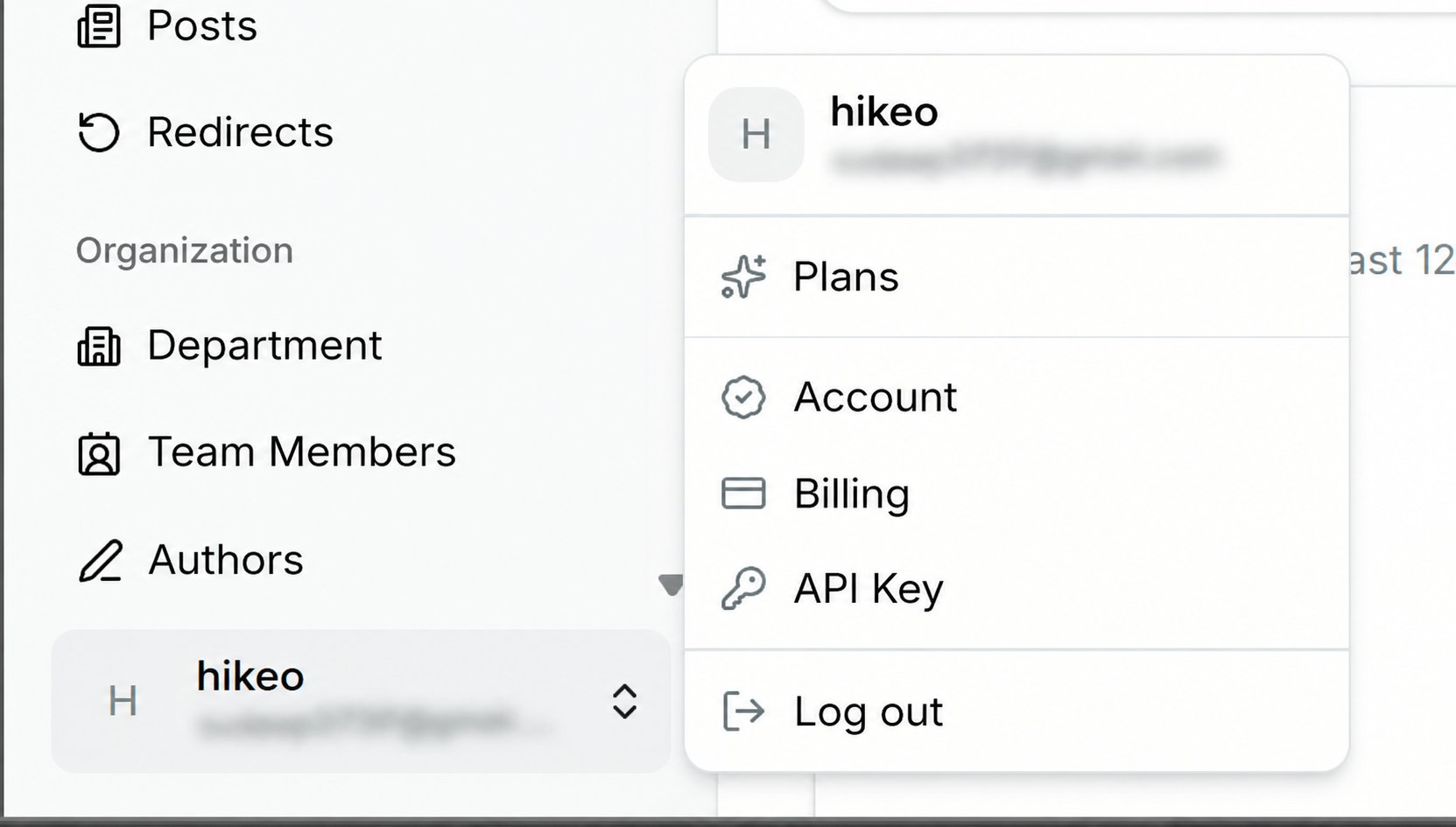
Account
Change the workspace name shown in the sidebar and storefront, your name and login email, and your password (enter current, new and confirmation; leave blank to keep the current one).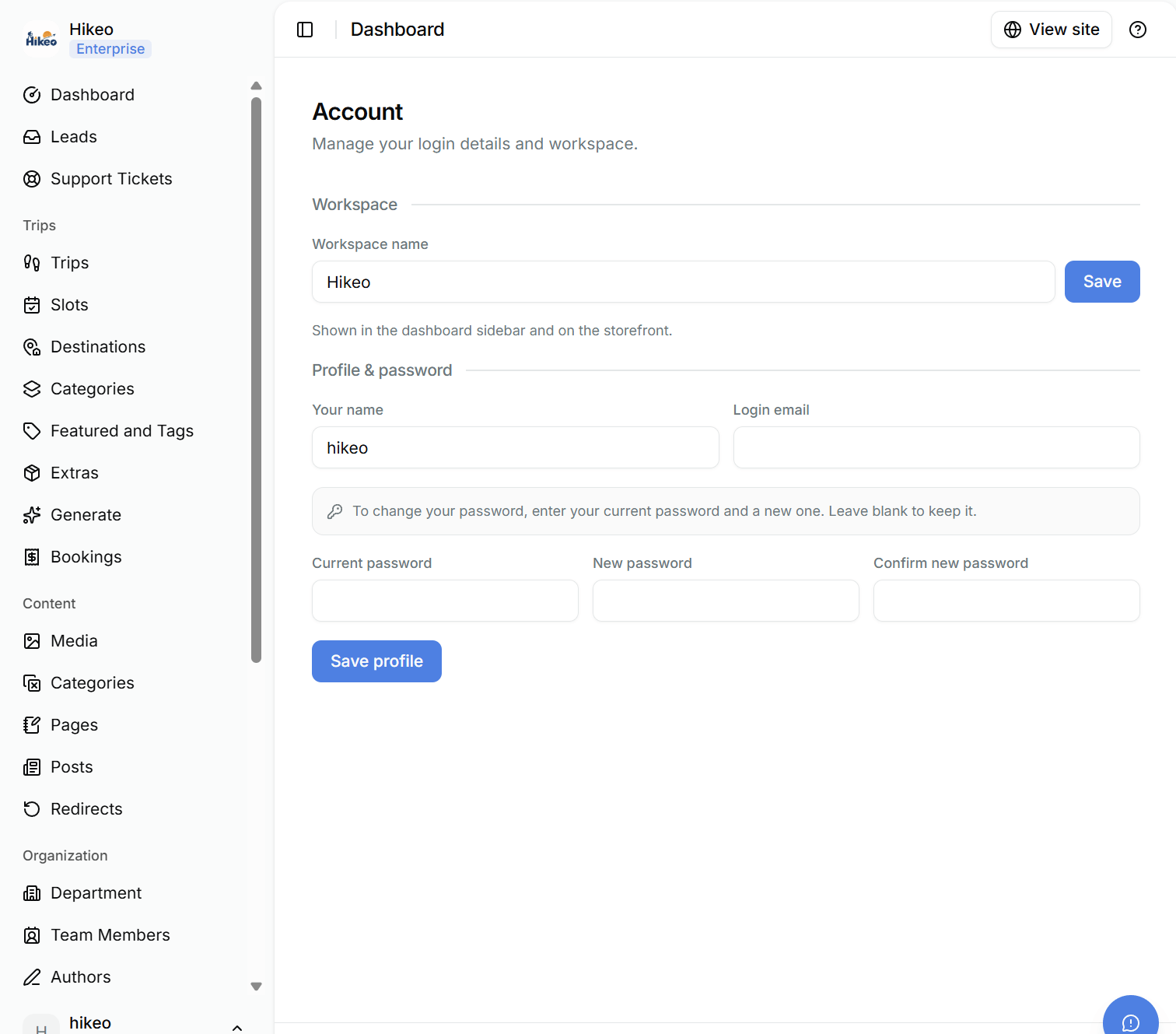
Plans
Compare Launch, Business and Enterprise. Choose monthly or yearly billing, then select Upgrade or Downgrade. Checkout opens through Stripe. Enterprise requests open an email to TripEleven support.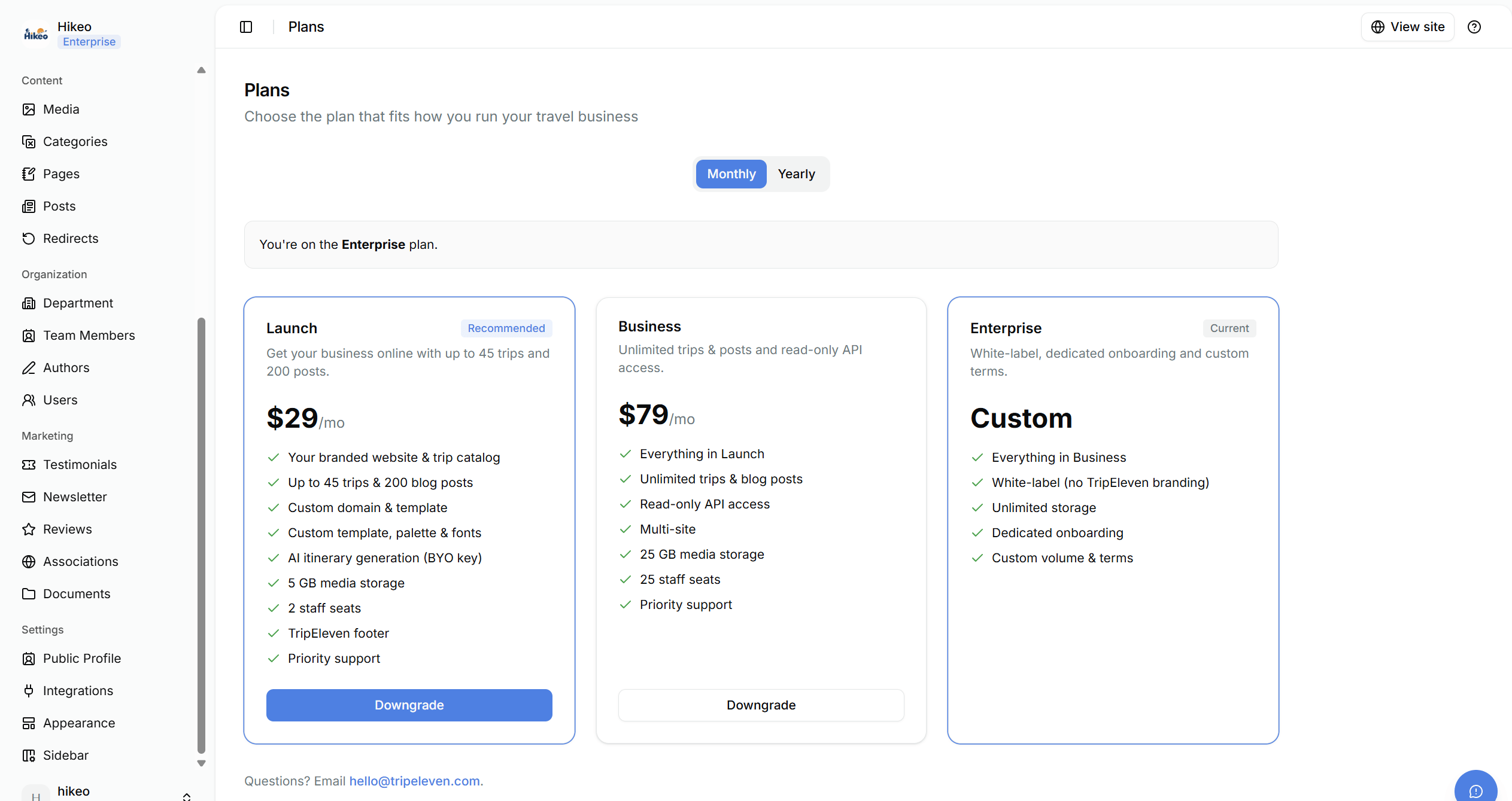
Billing
View current plan, subscription status, renewal or expiry date, billing interval, features and invoices. Select Manage billing to open Stripe’s portal for payment method and subscription management. If a trial expires, most dashboard pages are blocked until you upgrade. Plans and Billing remain available.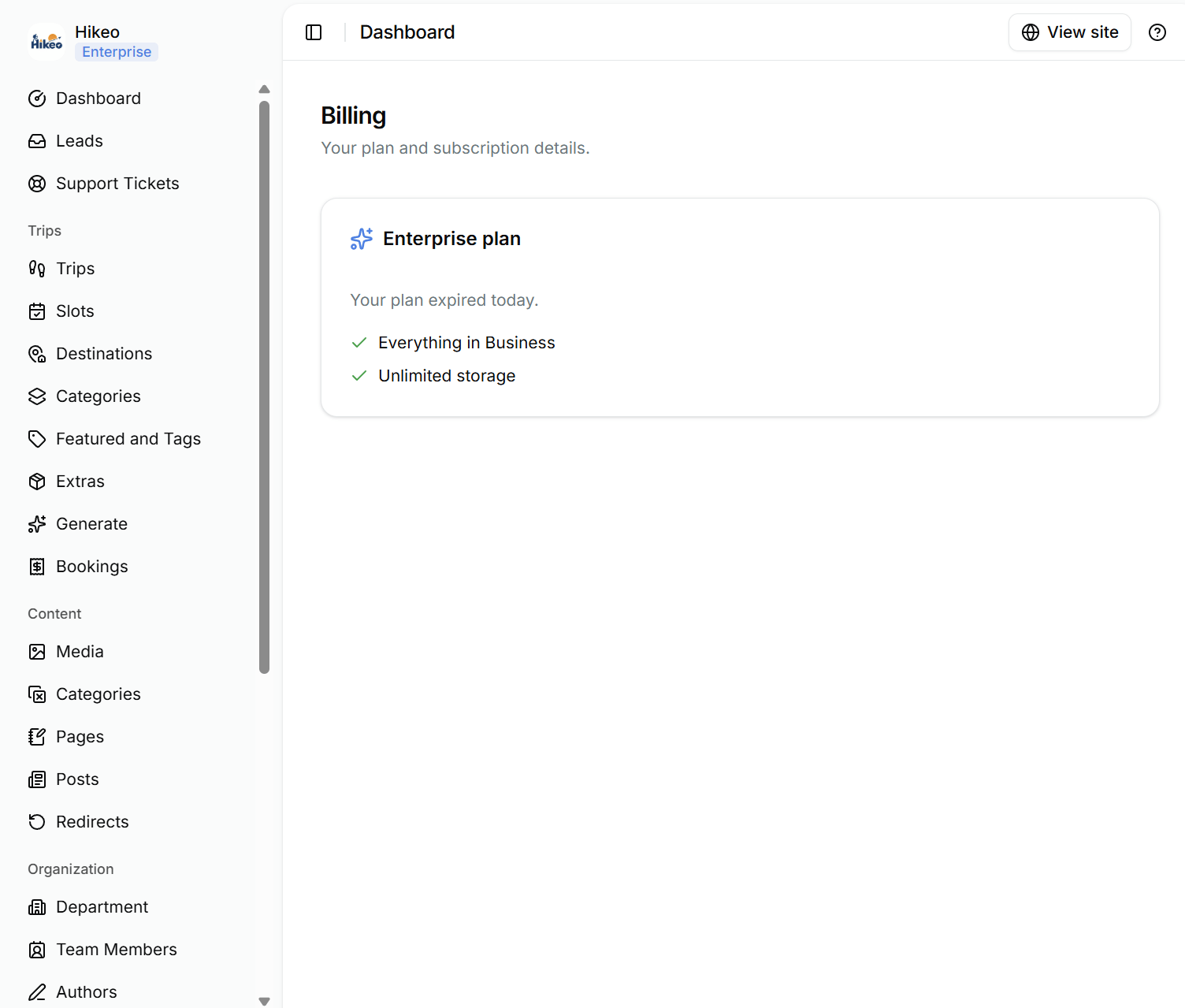
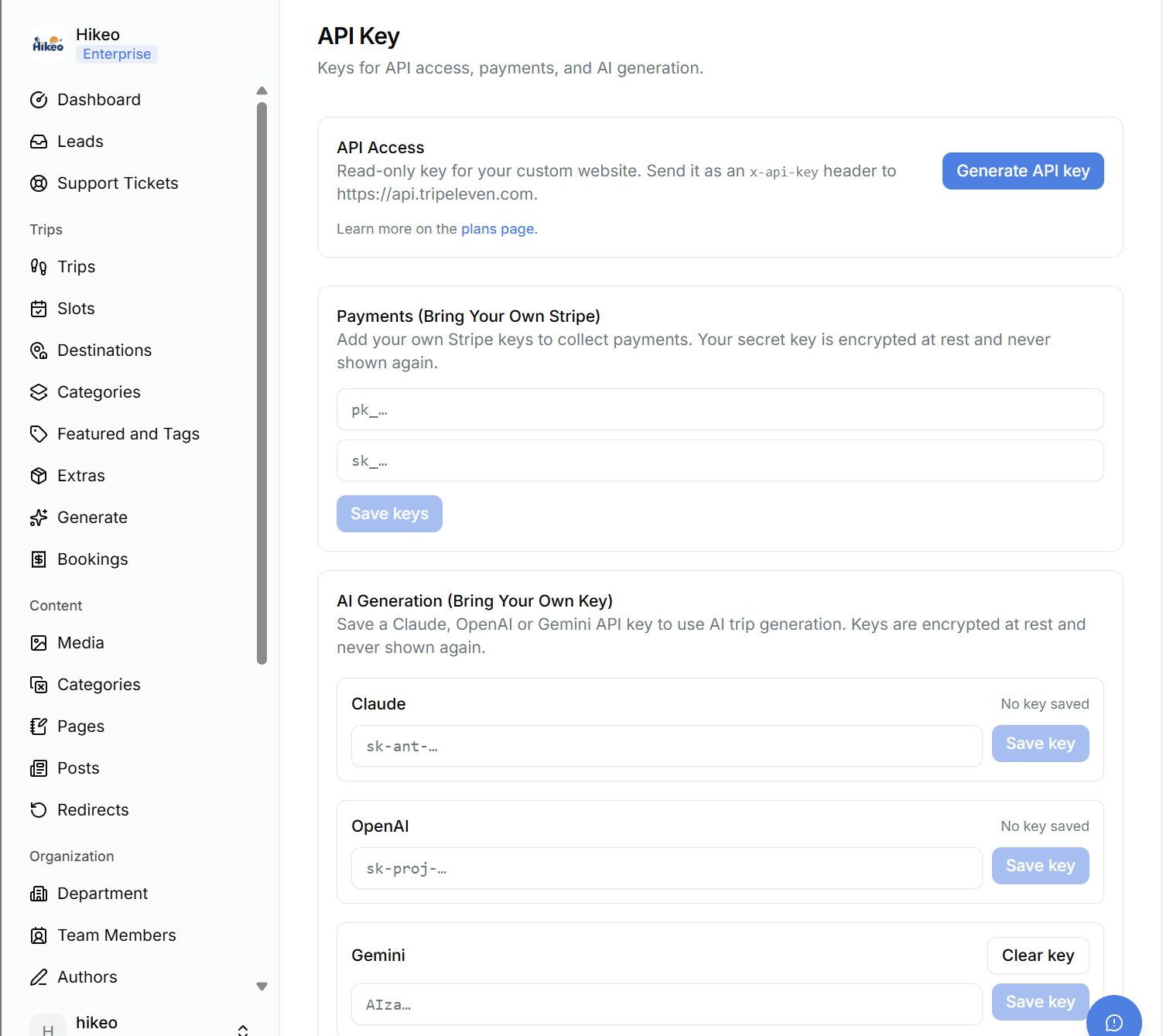
API Key
API Key access is a Business-plan feature. AI generation may also use this page to store your Claude, OpenAI or Gemini key. Note: Treat API and provider keys as secrets. Do not paste them into trips, pages, messages or screenshots.