Destinations
Use these pages as a hierarchy: Countries (where you operate), Regions (larger areas shown across trips; add name, unique handle, image and optional homepage visibility) and Destinations (cities or points of interest used by trips). Handles become URL-friendly identifiers, so keep them short, lowercase and stable after publishing.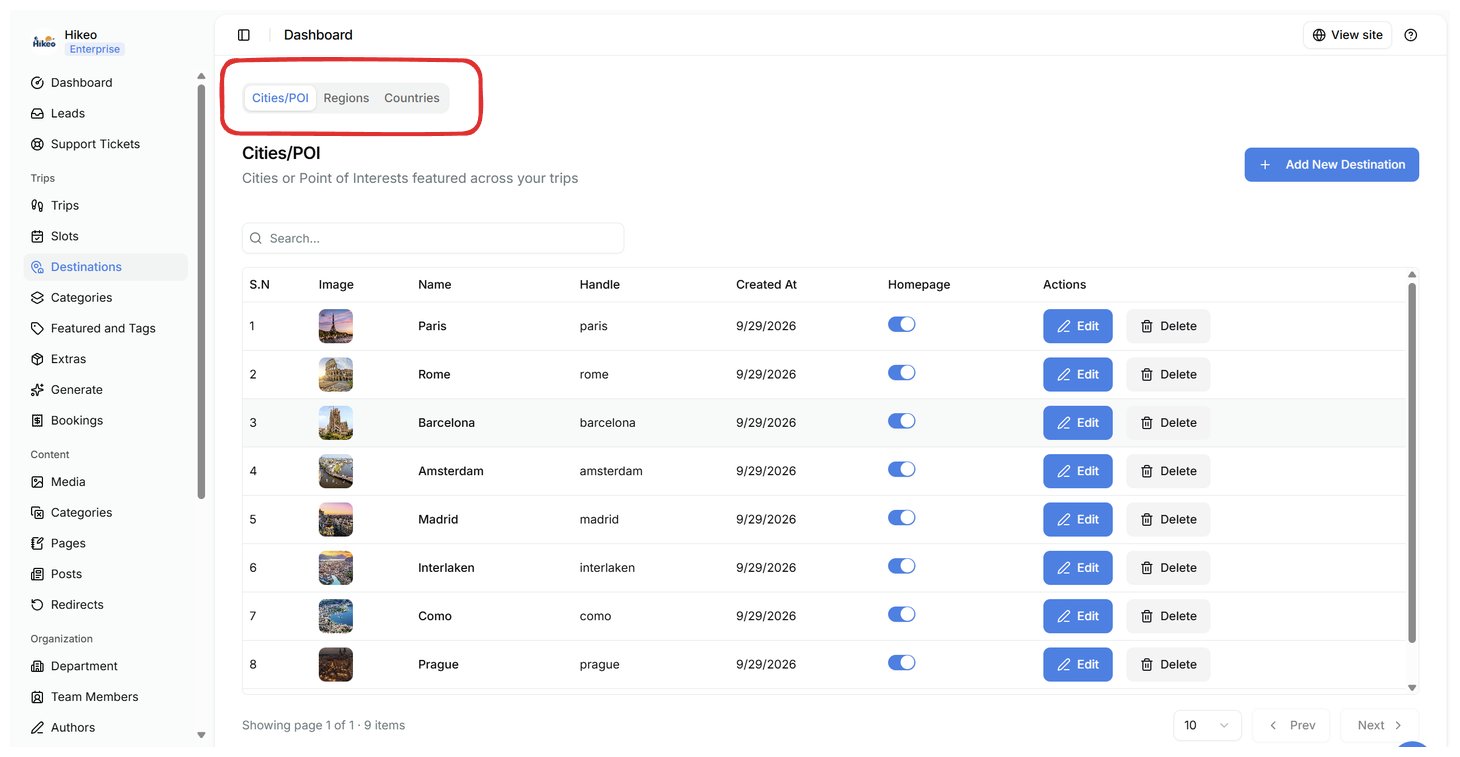
Trip categories
Open Trips → Categories. Add a name, unique handle, image and optional homepage visibility. Use categories for broad traveler interests such as Trekking, Cultural Tours or Wildlife.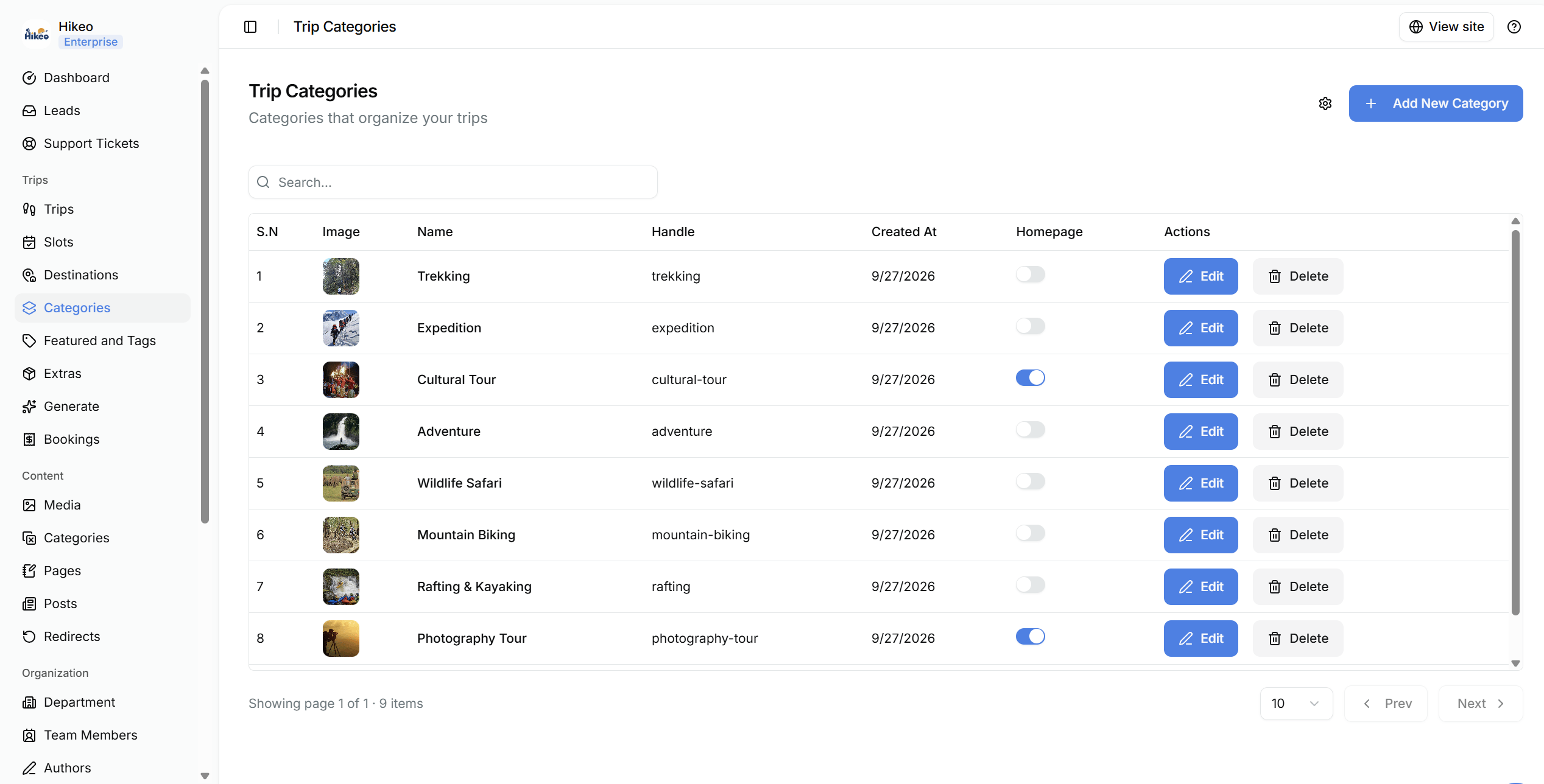
Featured tags
Open Trips → Featured and Tags to create labels used to group or promote trips. Apply them in the trip editor.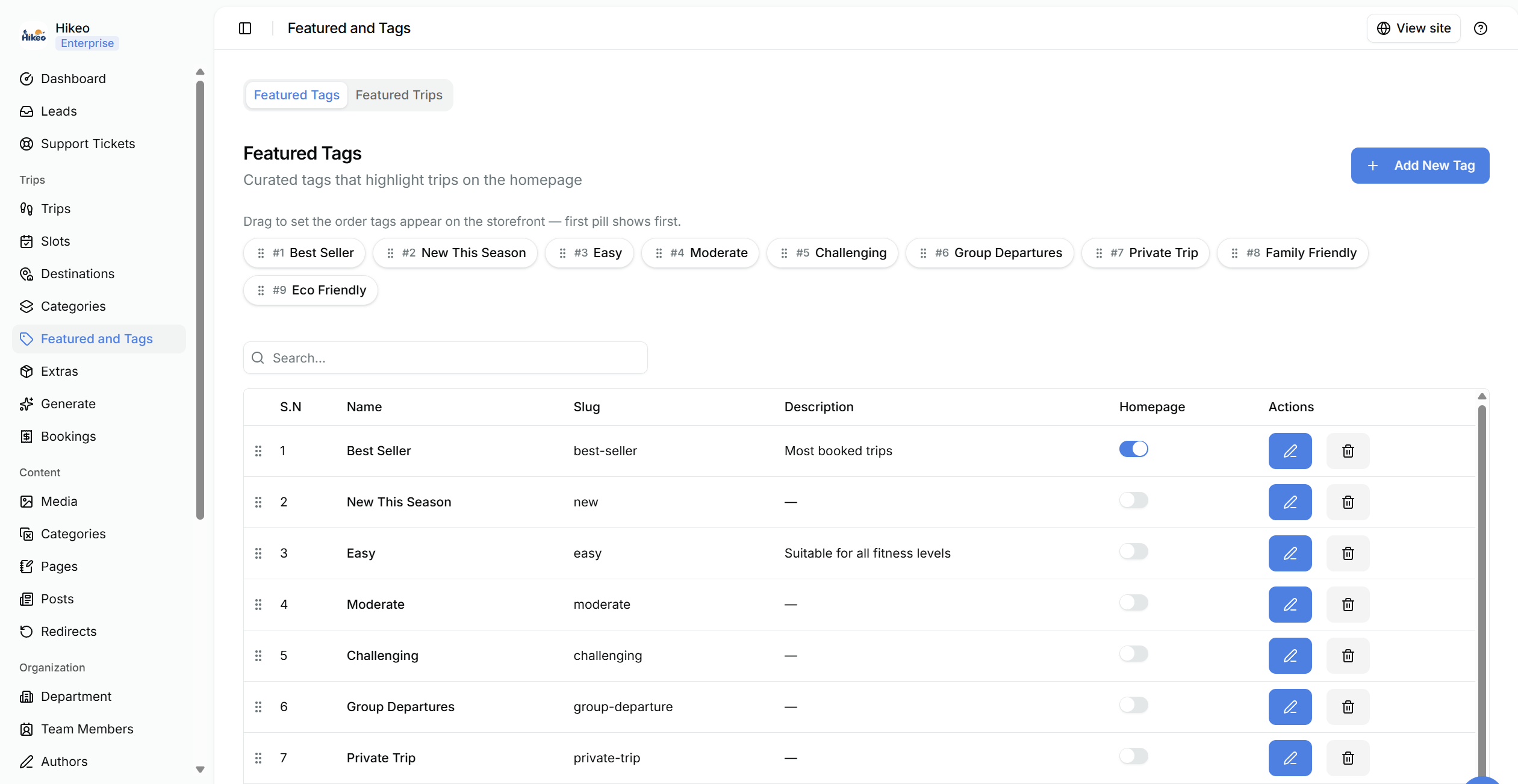
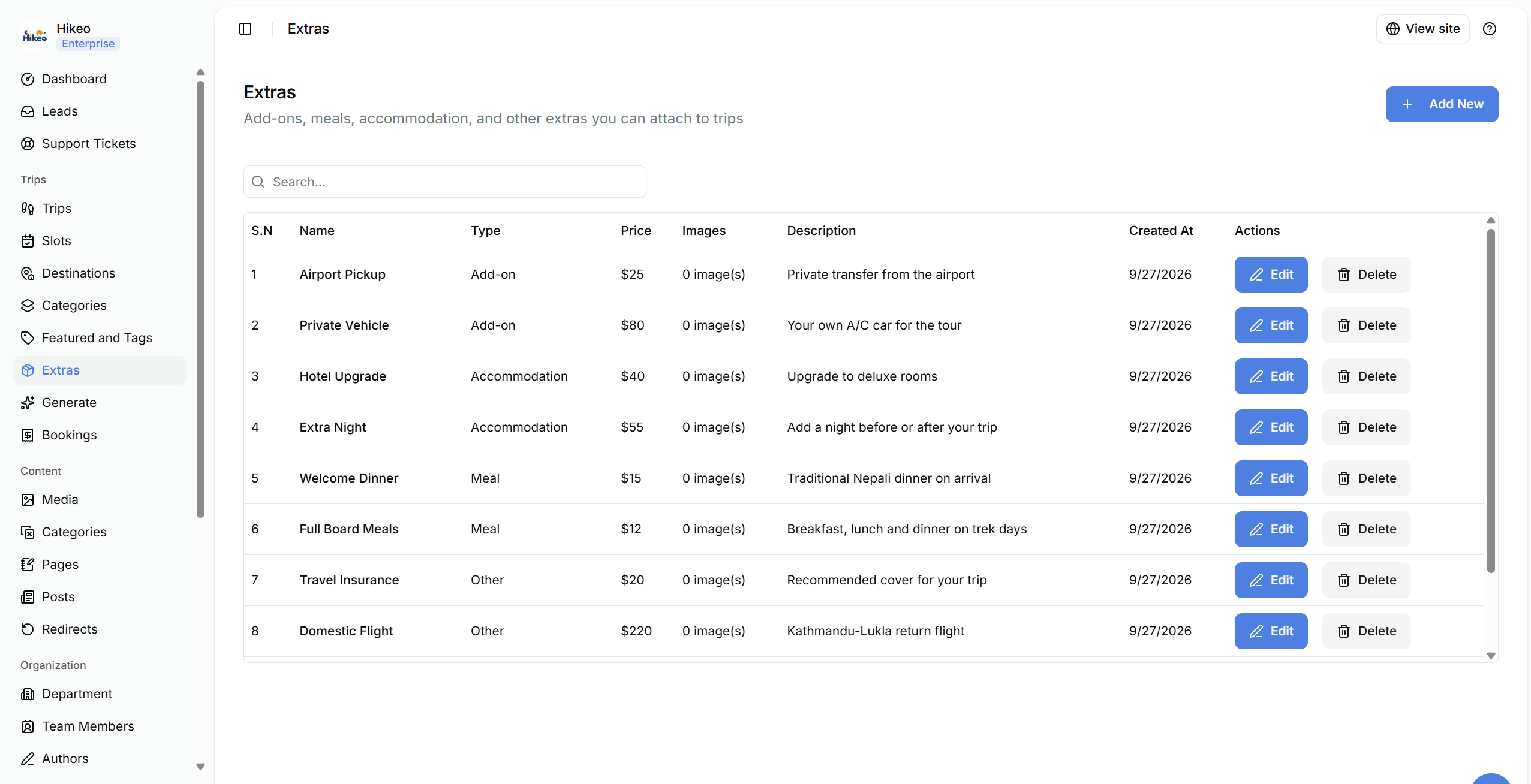
Extras
Open Trips → Extras to create optional add-ons. Enter type, name, optional USD price, description and images. Attach relevant extras in step 14 of the trip editor.